
You can update your profile by hovering over your current profile icon at the top right of the page, and then selecting "Edit Profile."
From there you should see a screen with a similar image to the below example.
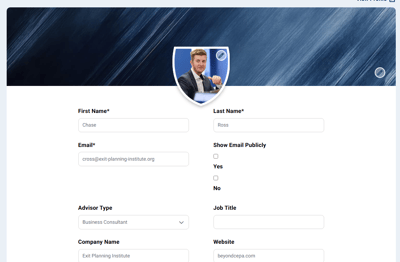
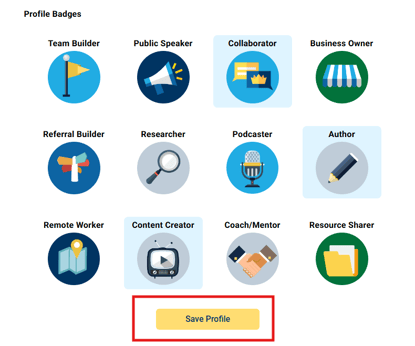
Fill out each field with your updated information. From there, you can continue scrolling down the page to select profile badges relevant to your background. Finally, click "Save Profile" to save your changes.
Questions? Contact the EPI team by:
- Phone: (216) 712-4244
- Email: MemberExperience@BeyondCEPA.com