
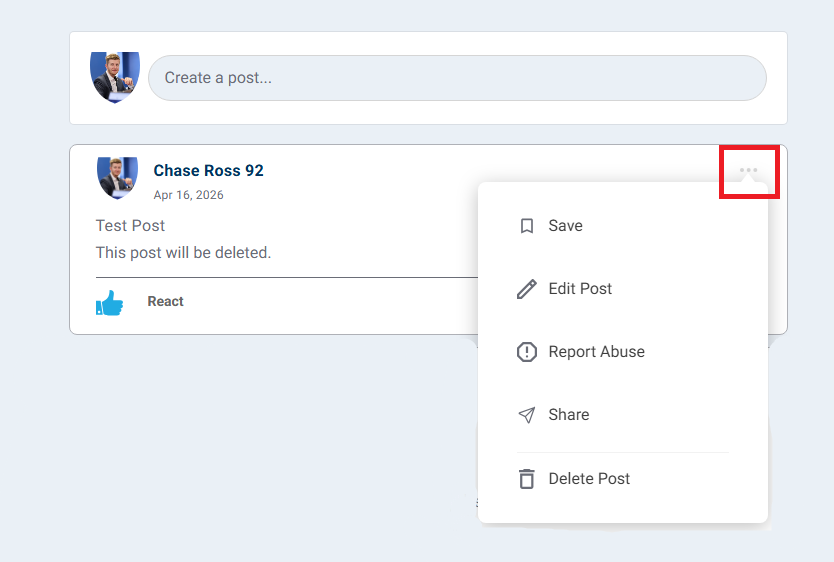
You can edit or delete a post by selecting the three dots found in the top right corner of your post, similar to the below example.
From there you can select a number of options, including "Edit Post" or "Delete Post."
Questions? Contact the EPI team by:
- Phone: (216) 712-4244
- Email: MemberExperience@BeyondCEPA.com