
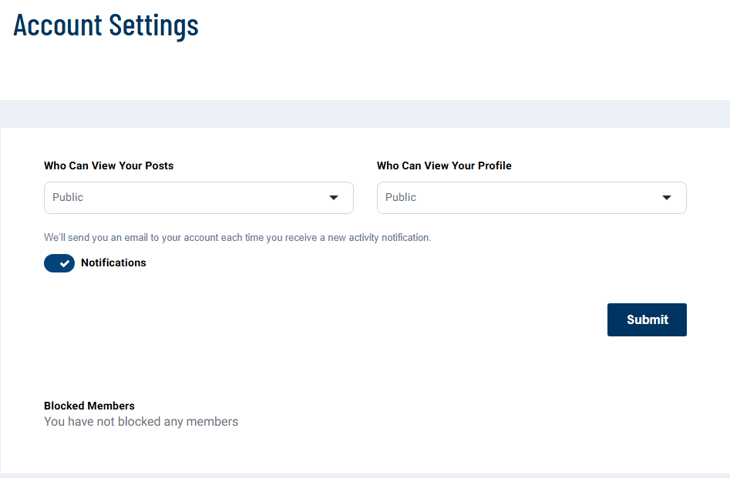
You can update your account settings by hovering over your current profile icon at the top right of the page, and then selecting "Settings and Privacy."
From there you should see a screen with a similar image to the below example. Here you can adjust who can view your profile and posts, and well as if you'd like to receive notifications from CEPA Connect.
Questions? Contact the EPI team by:
- Phone: (216) 712-4244
- Email: MemberExperience@BeyondCEPA.com